

| Demo Teller |
The Branch application package developed by F@ST™BDS simplifies branch operations, enhances accuracy, and reduces paperwork. The package is easy to use, with most transactions automated in formats familiar to tellers. Simple system menus utilizing limited keystrokes enhance speed and accuracy. Tellers can also float between workstations in the branch to carry out their authorized functions. Supervisor has override control to set limit for individual teller cash and functions. This application also handles hundreds of transaction types and offers complete cash control, balancing procedures, and audit accuracy and security.
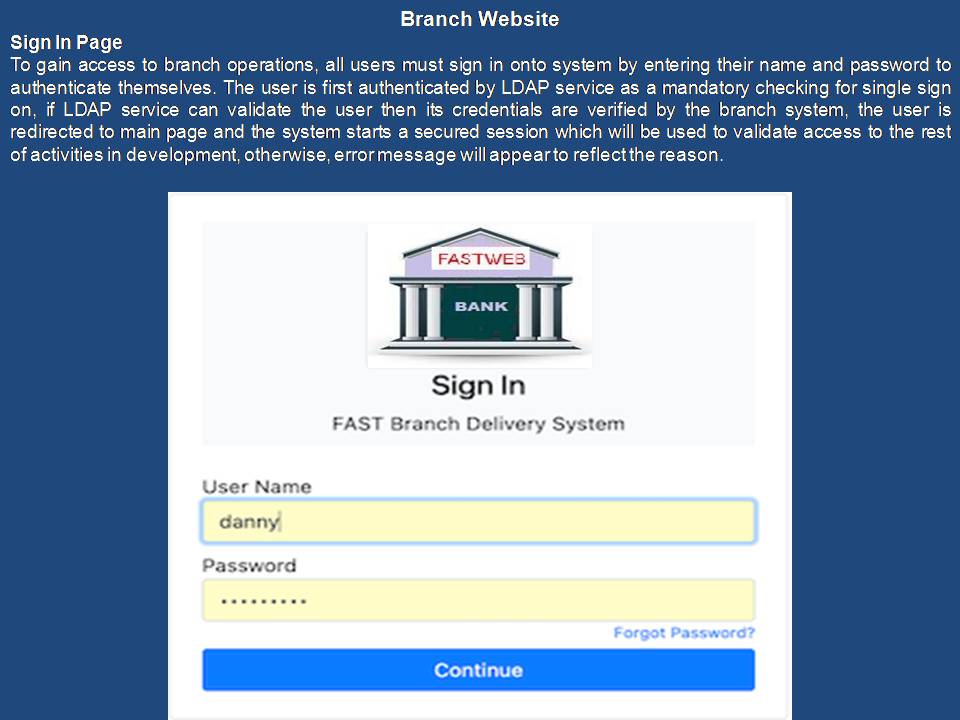
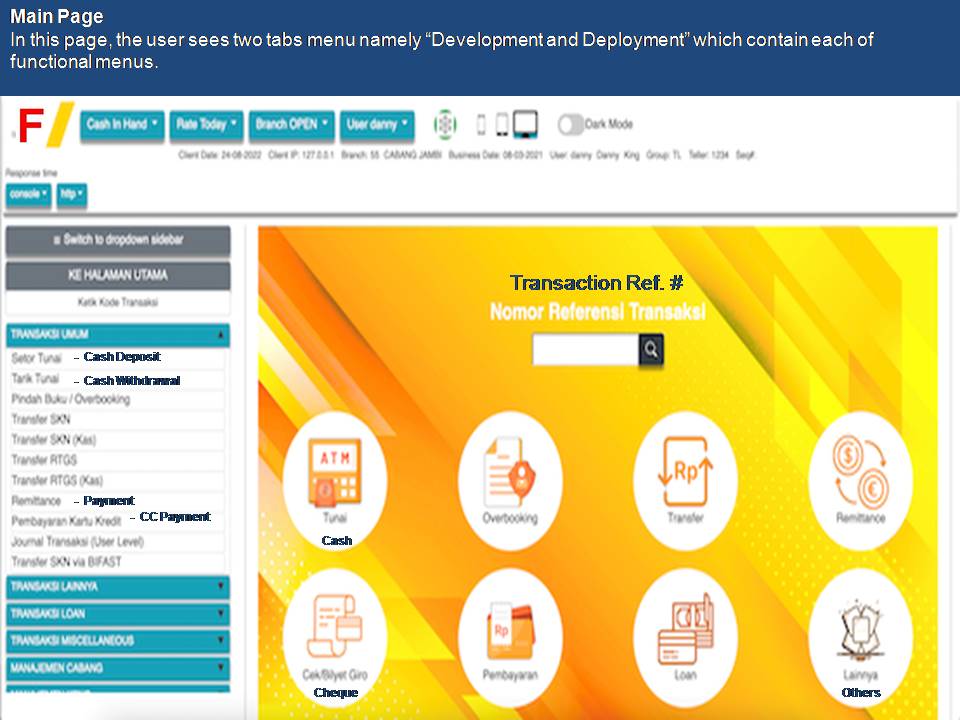
F@ST™BDS enhances branch operations through superior system functionality and user-friendliness that improve the efficiency of personnel customer service. Important features include:
Smooth automation of even the most complex transactions
Fast and simple balancing - Tellers are fully prompted and guided through the balancing process. Branch-level cash positions and totals are easily accessed
Electronic Journal (EJ) - EJ is used for storing account information, auditing, and record keeping with built-in scanning capabilities for accuracy.
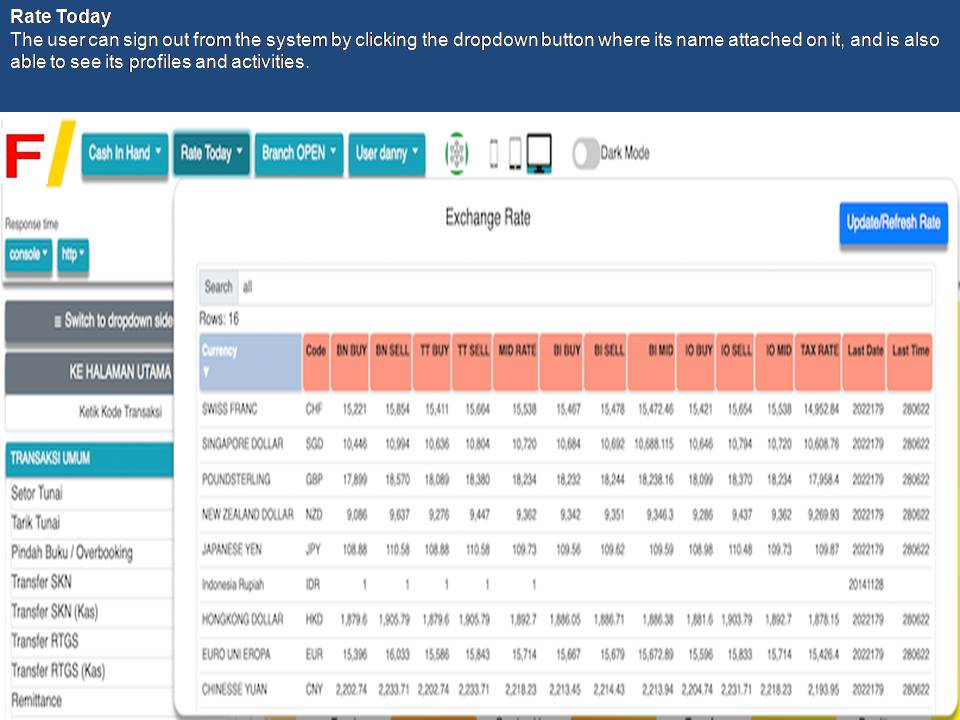
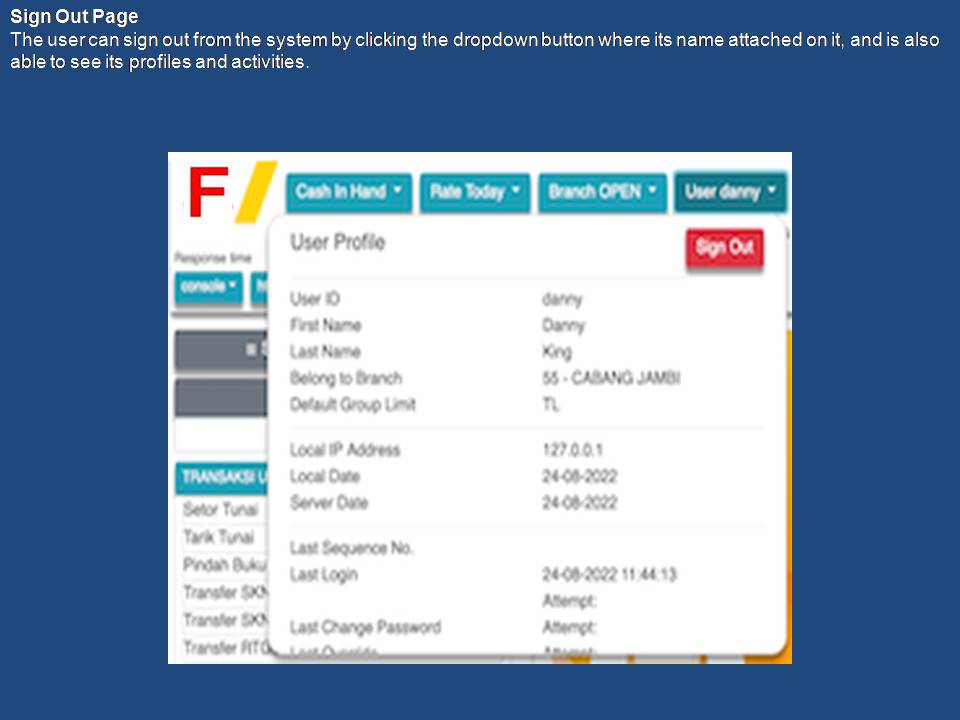
The Open and Close Day procedures of the system enable tellers to close day and balance their cash drawers, then to open a new day for subsequent processing. All totals and electronic journal information from the previous period are retained and made available for the next balancing period. The Open Day function begins a new processing session in the electronic journal. When this procedure is initiated, the teller is signed on to the appropriate application, and the previous day's (or session's) cash position is automatically brought forward as the starting cash position of the day. If required by your operations, the teller can override the default cash position and enter a new starting cash amount. The Close Day function of the system enables the teller to close a business day or session for balancing. The Close Day procedure performs automatic operator sign-off and can optionally force the teller to perform end-of-day balancing.
Universal or Function-Specific Teller WindowsThe branch can preset the authorization level of each Teller to perform certain functions, although application processing is distributed universally throughout the system. The authorization level is set by configuring the variable parameters such as teller's ID number, workstation, function, location etc. For example, branch managers can set the drive-up teller window terminals to be dedicated only to cash withdrawal and deposit functions; where else the money order and special services terminal window are limited only to receiving cash and issuing of receipt only.

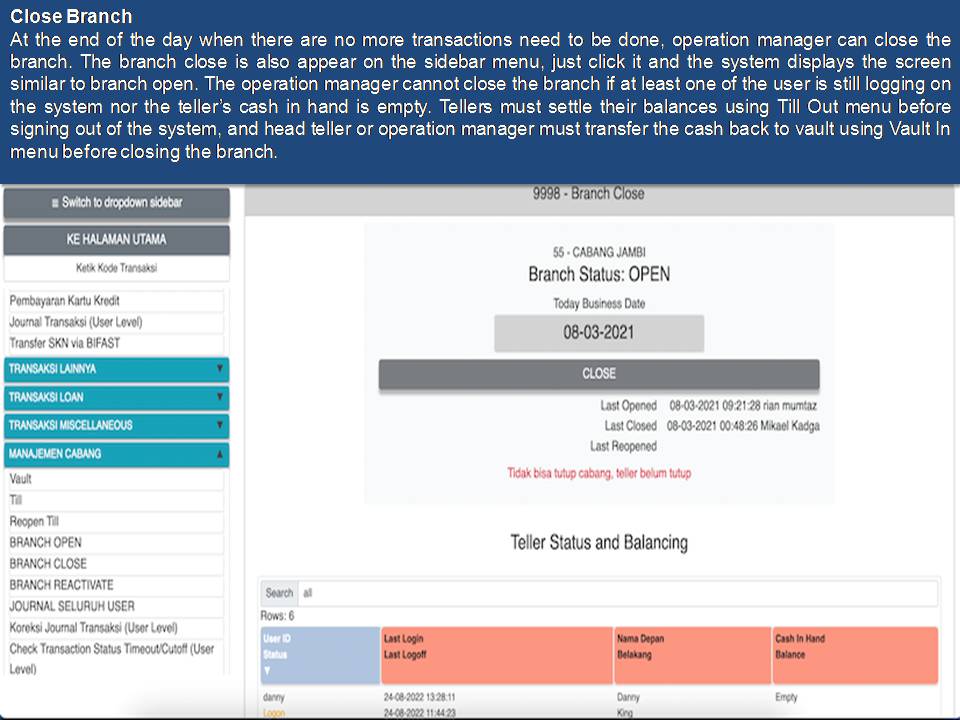
F@ST™BDS application has a powerful and dynamic electronic journal. Any data needed for reports, totals, audits, or other institutional requirements is stored in the journal. Access and scan functions can be controlled or secured as the branch deems necessary.
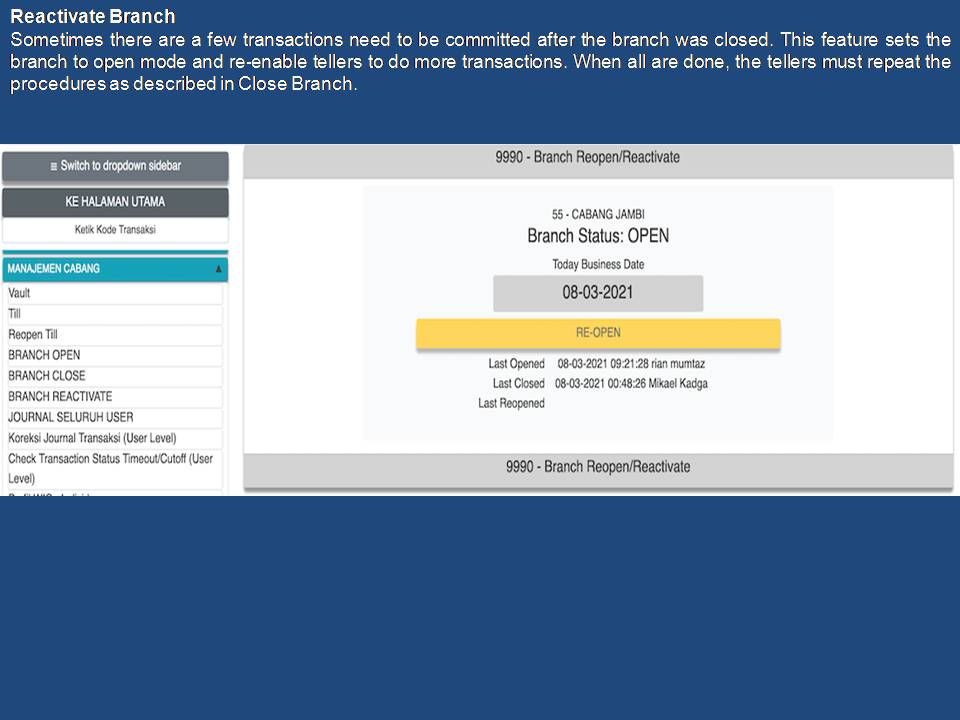
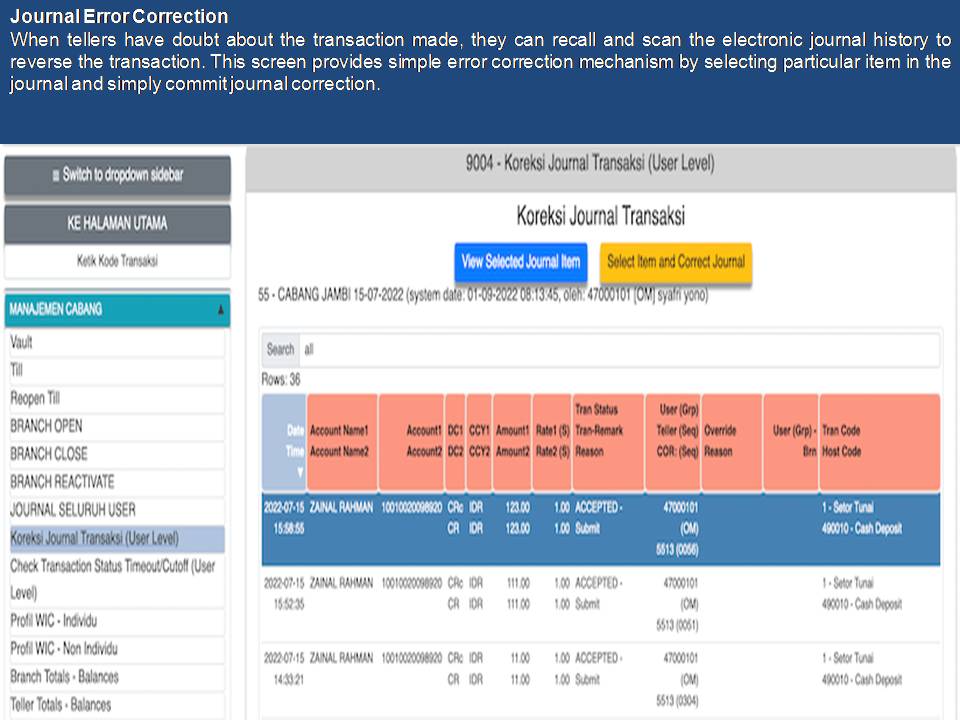
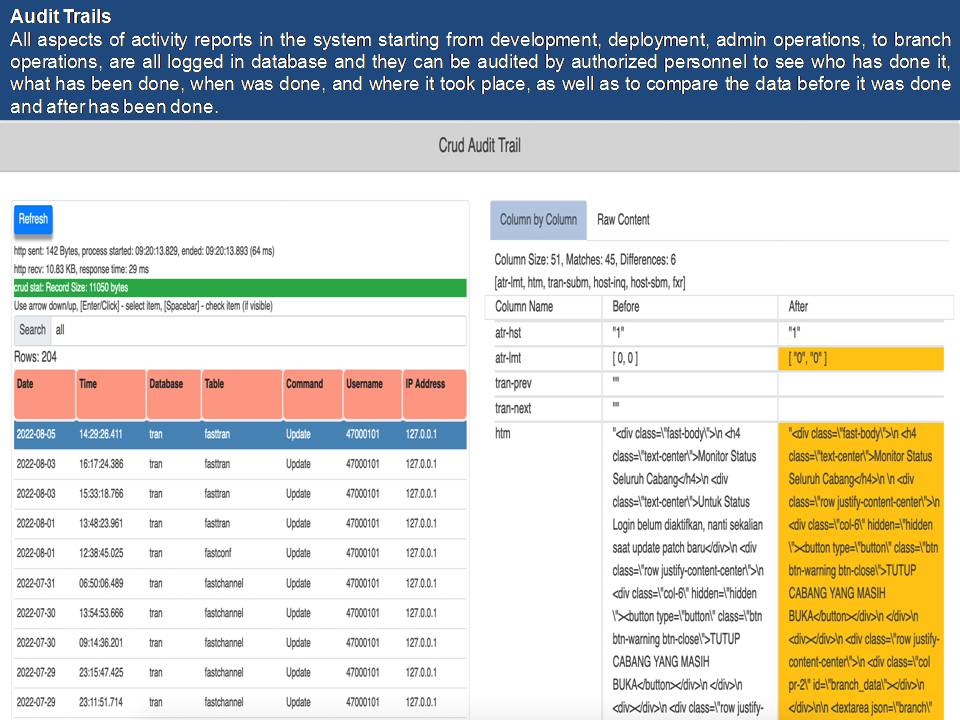
Transaction errors can be corrected in the journal either immediately after processing or later. Because all changes are recorded, the system provides a full audit trail for all transactions, corrections, and reversals. Tellers can recall the most recent transaction or recall any transaction from the electronic journal. F@ST™BDS offers two methods to rectify incorrect transactions: reversals and corrections. The user can decide which method to use, and the system will be tailored accordingly.
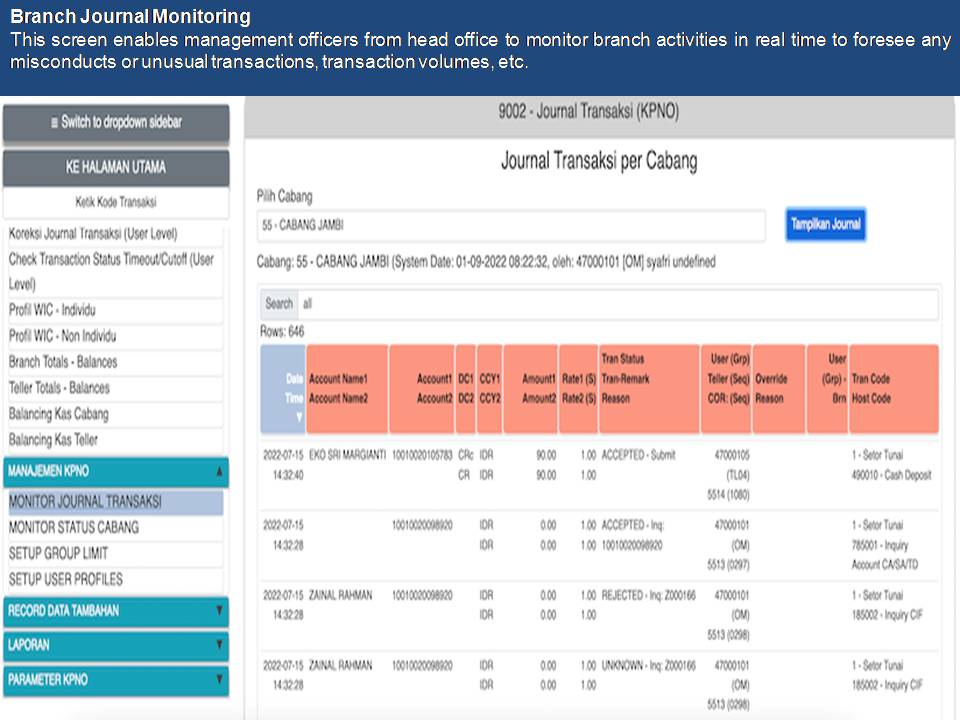
F@ST™BDS includes a comprehensive and flexible capability that gives operators the convenient and rapid access to journal data. Operators can scan their journal records by any combination of: Account number, Amount, Date, Time, Sequence number or Transaction type. For any of the above, operators can search for a specific item or amount, or they can specify a range by which to search. Operators and supervisors can combine these criteria with a search by: Branch number, Teller name, Scan direction, Host response or Status. Scans can be either forward or reverse. Operators can elect to view the journal on-screen and/or print a complete or abbreviated version of the selected information.
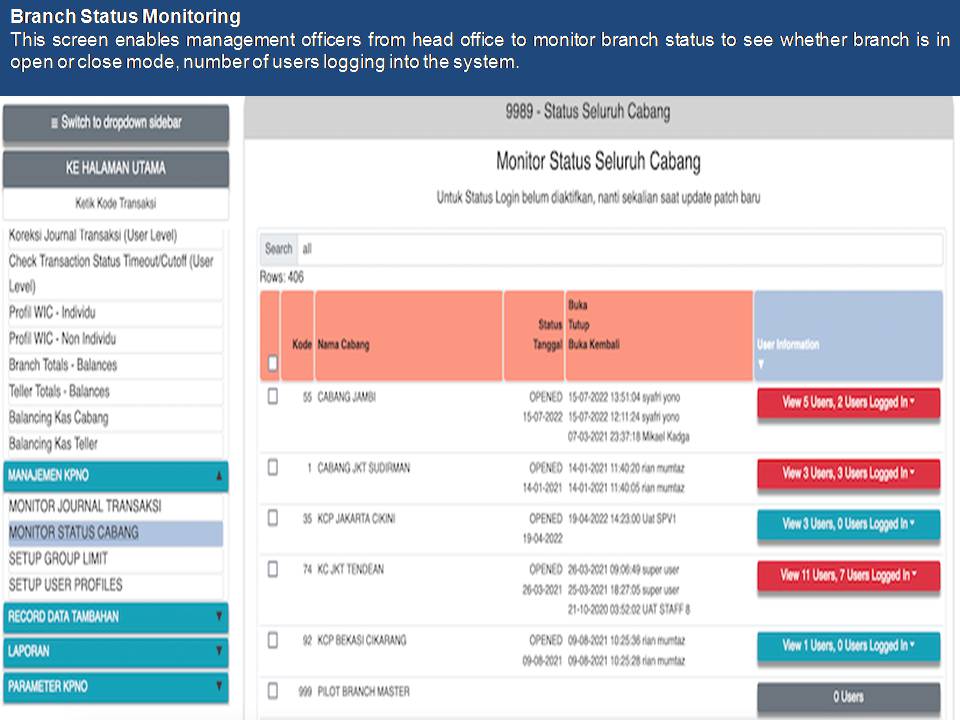
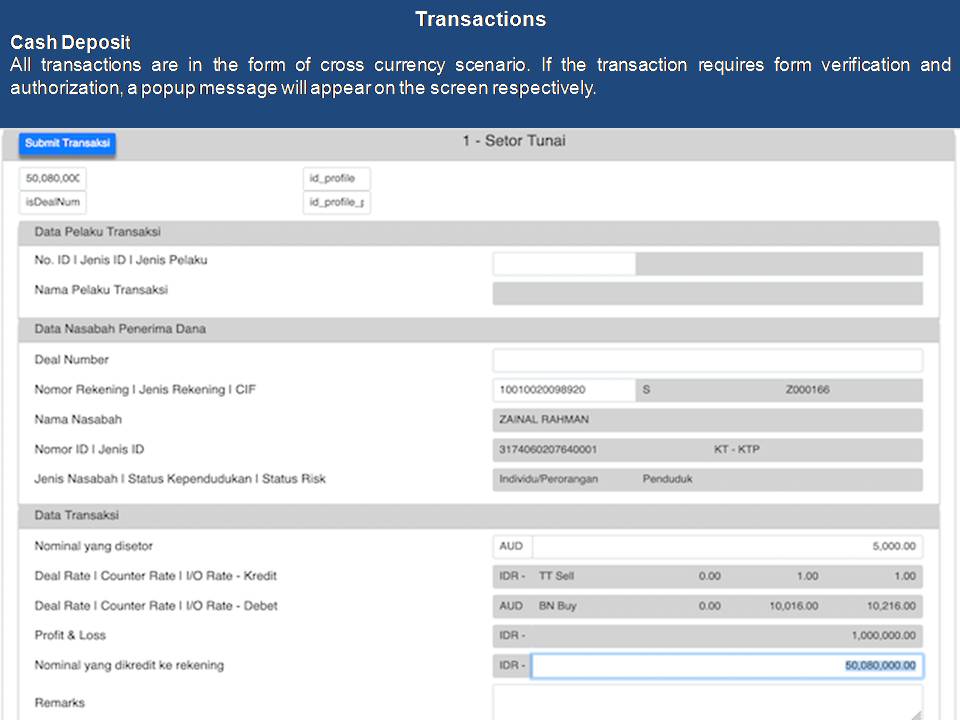
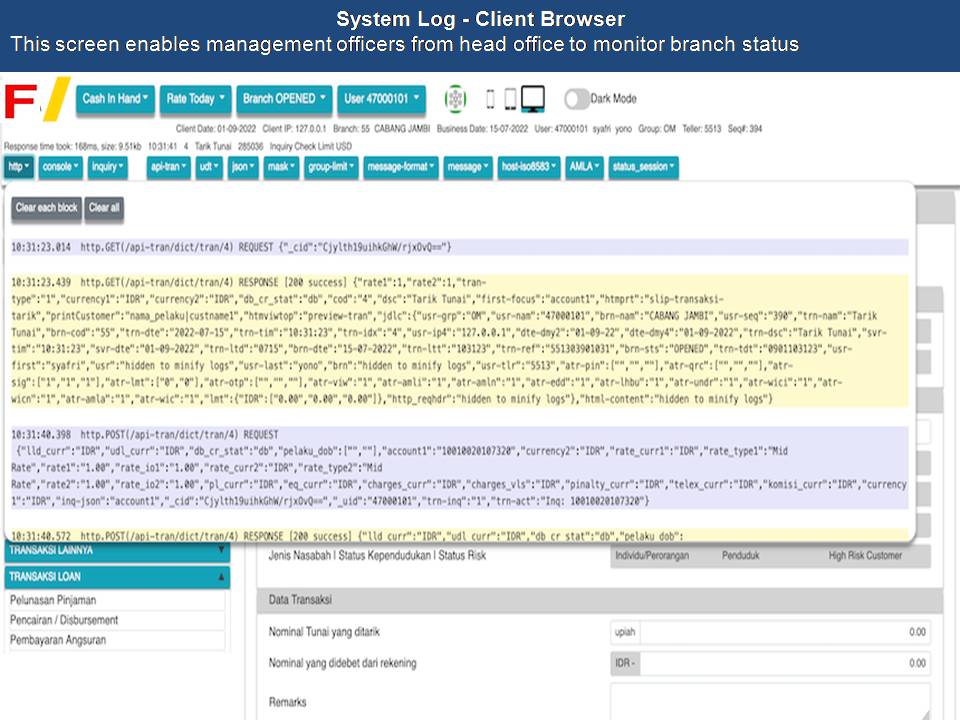
Transaction information is automatically logged in the electronic journal, transparent to the operator. The electronic journal can be used to create a complete audit trail of all transactions processed in the branch. Each transaction record indicates whether the transaction has been logged to the host, or is waiting to be re-entered, or has been rejected by the host. Another journal notation indicates whether the transaction was entered on-line or re-entered as a correcting transaction. Other special conditions, such as correcting transactions and multiple transactions conducted during a Customer Session, are also noted in the journal.
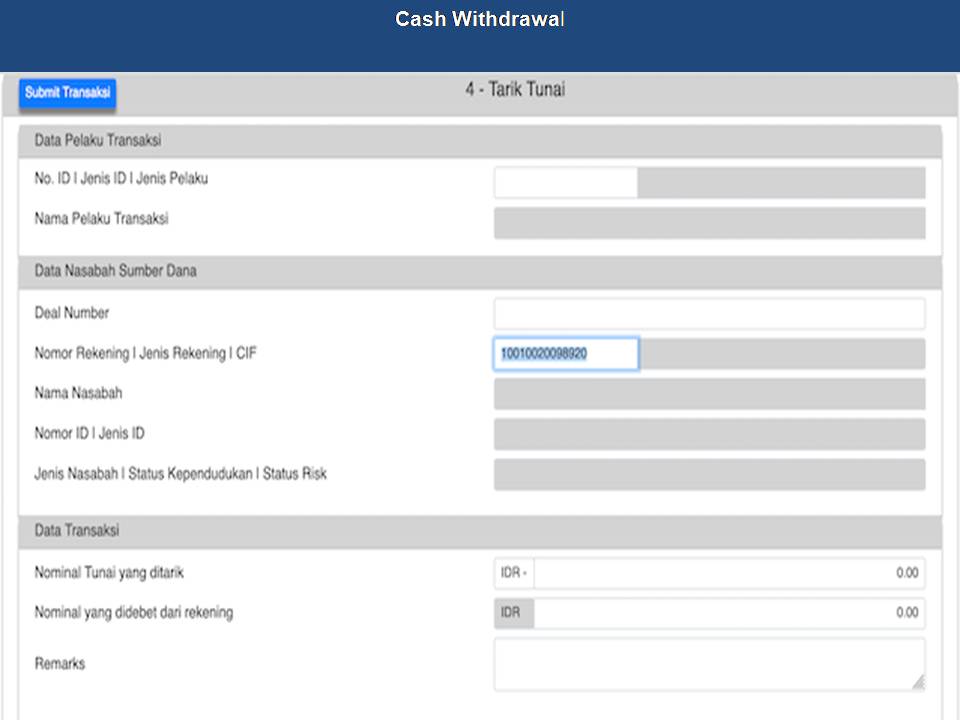
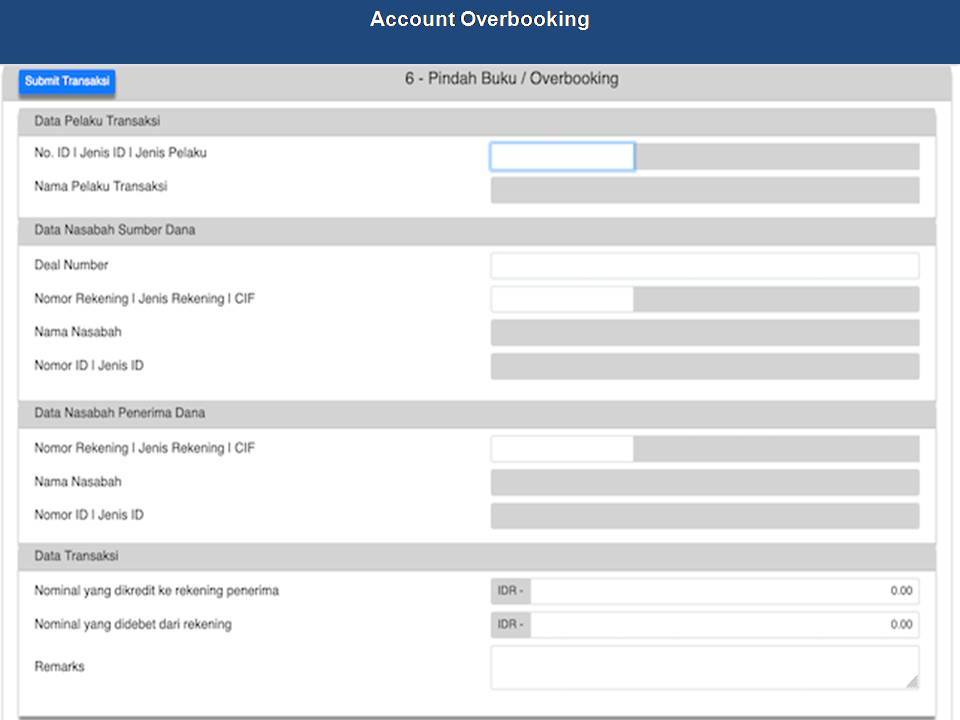
Each teller's journal record is maintained by the teller's ID, rather than by workstation number, to ensure integrity of data of the particular teller even if the teller changes workstations. The database maintains records of workstation, operator, transaction, and other information for use in data scans. Authorized supervisors can access branch-level information, as well as journal records for a particular teller, from any workstation in the branch. The entire journal records or a one-line synopsis of transaction records can be printed or viewed by the individual teller or authorized supervisor.
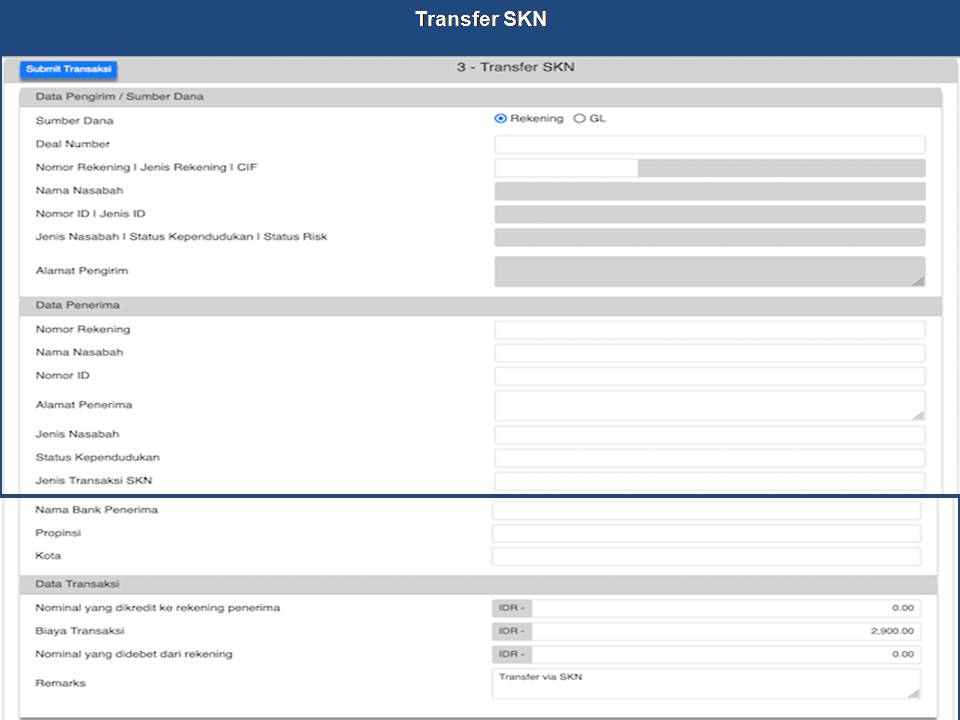
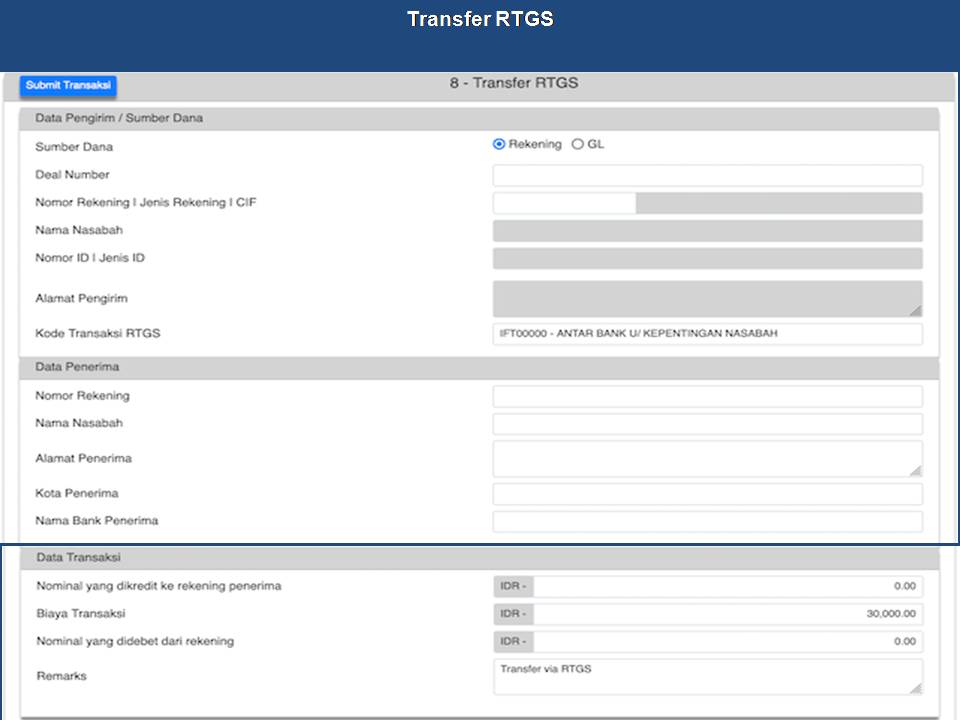
The application package allows tellers to move from one workstation to another without requiring any disk or equipment transfers to maintain accurate journal totals and to carry out any authorized functions. All journal totals, as well as access authorizations, are maintained in the head server.
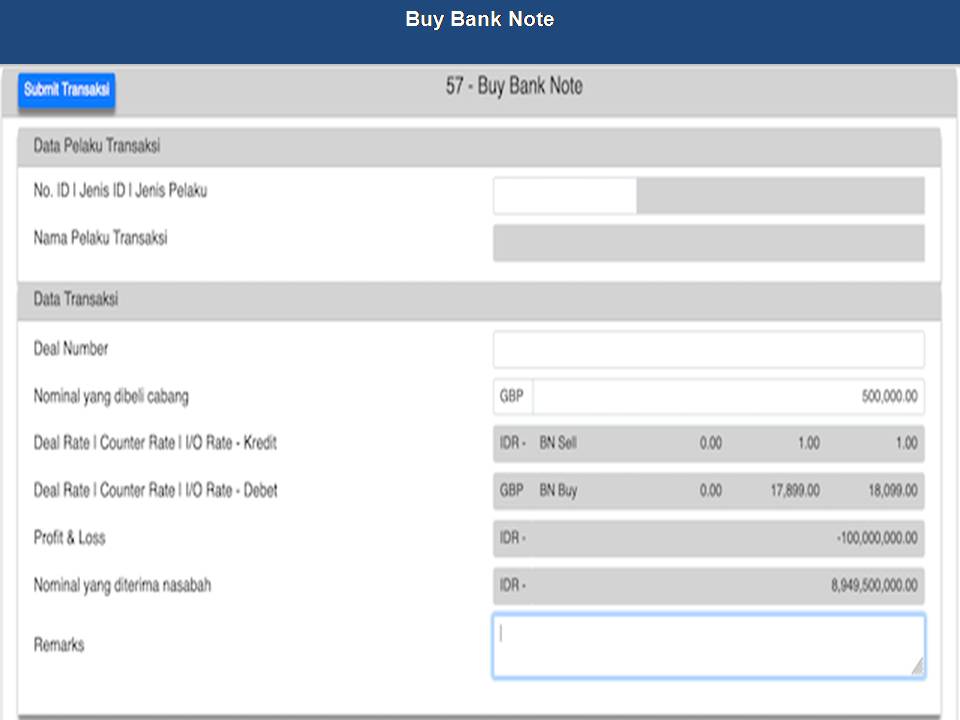
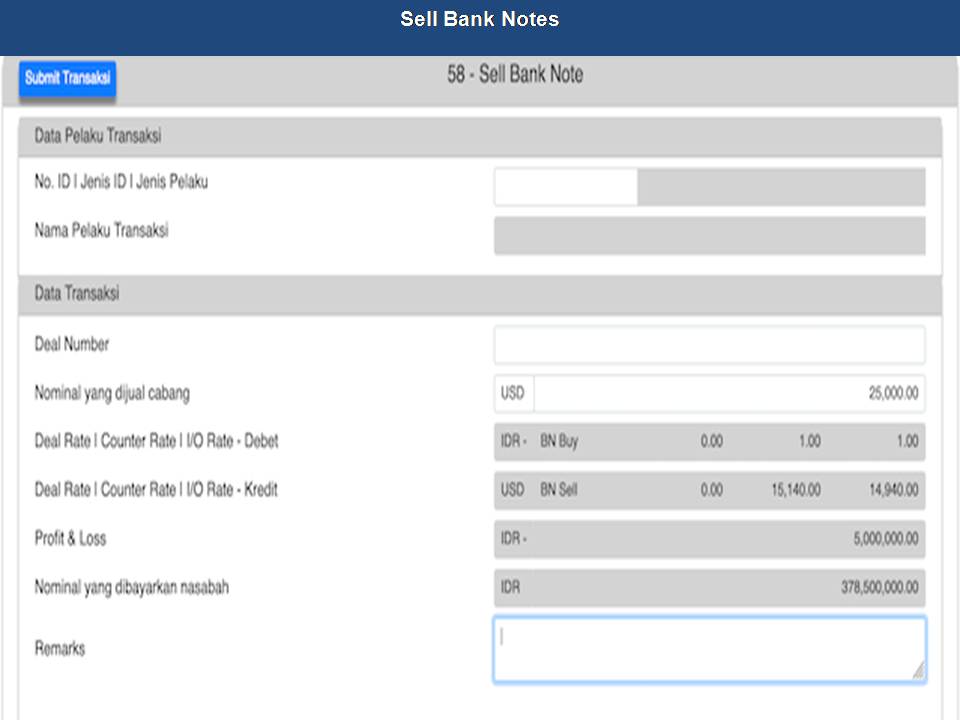
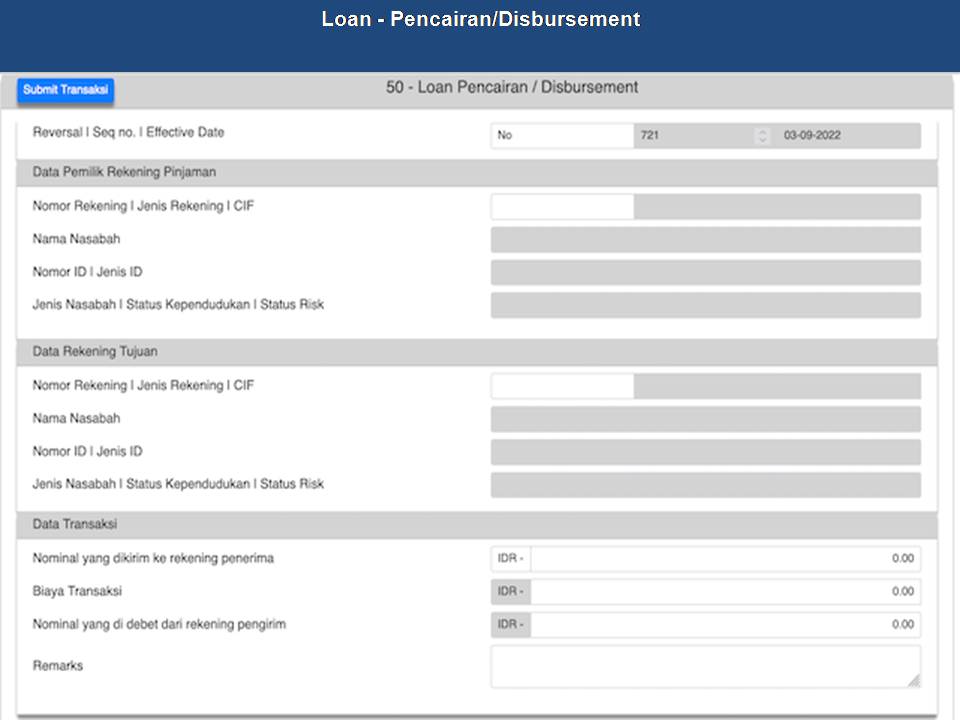
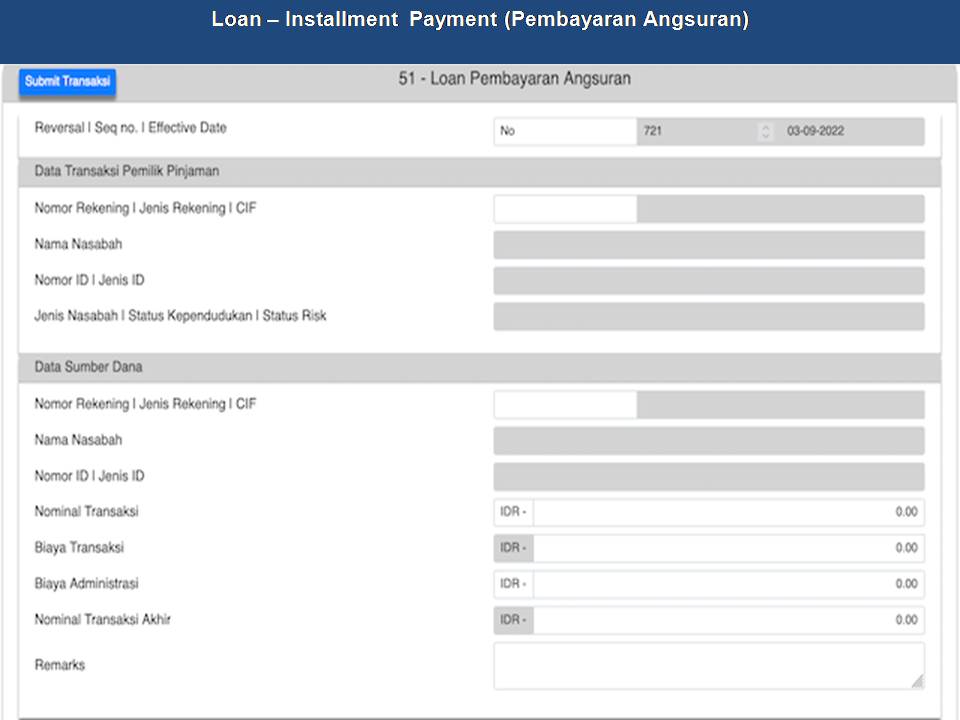
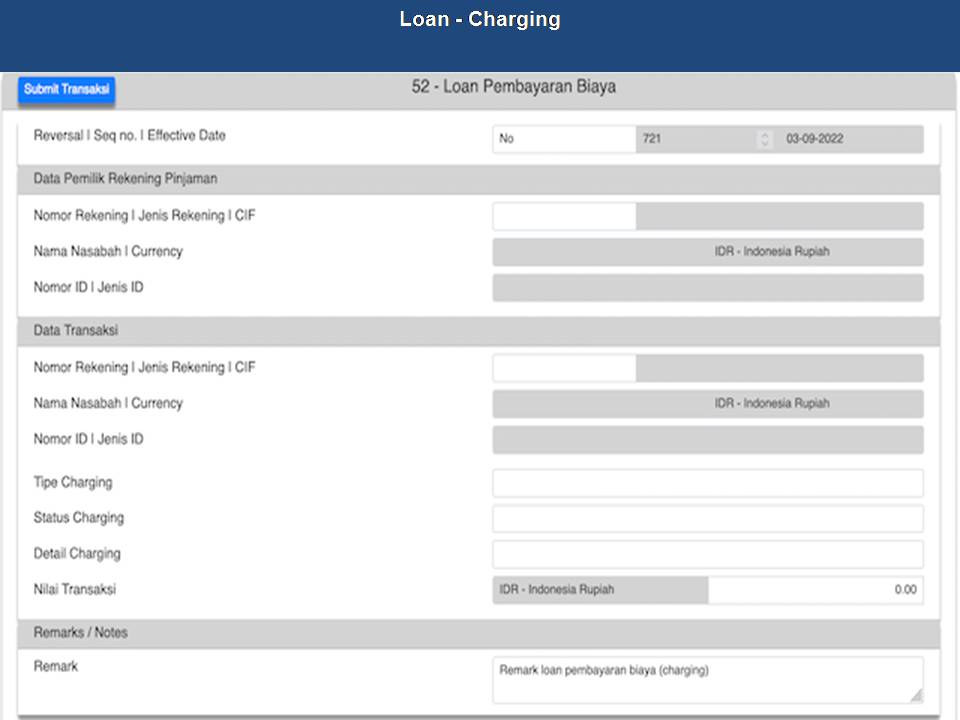
The branch application package encompasses standard financial services transaction types and document processing. In addition to automating and integrating basic teller functions and transaction processing, F@ST™BDS also offers design flexibility for processing unusual, unique, or new transactions.

The application offers a full range of document printing capabilities. The following are types of documents that can be printed by the application package:
Customer receipts
Validation tickets
Passbooks
Cashier's checks
The application provides powerful cash control features that promote effective branch management of teller cash positions, transaction authorities and activities. These controls and tracking capabilities streamline the transaction process and improve branch supervision and reporting.

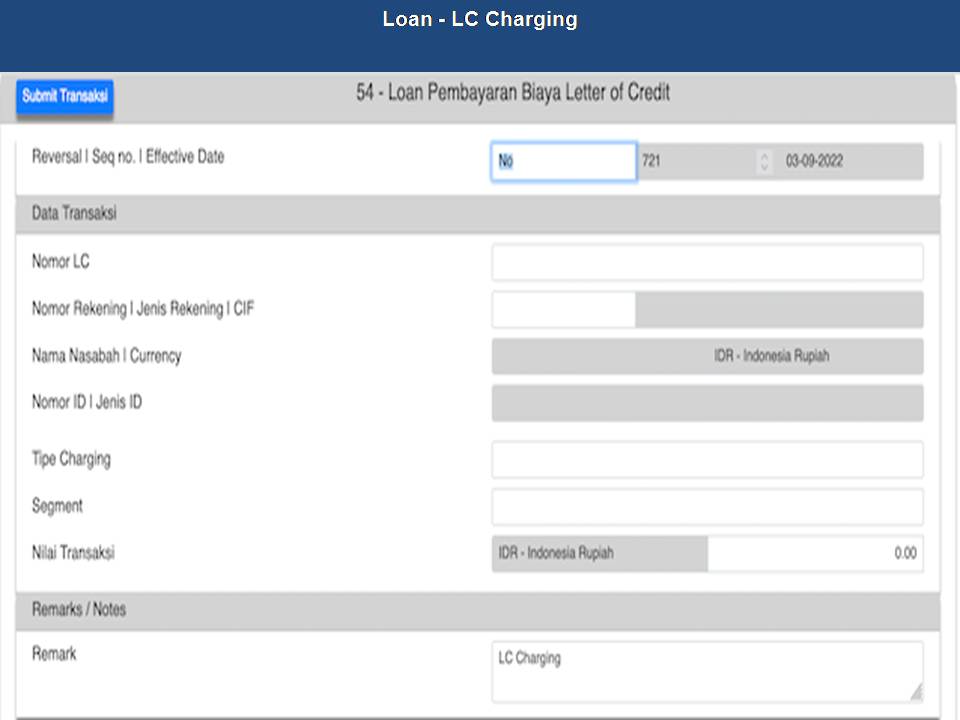
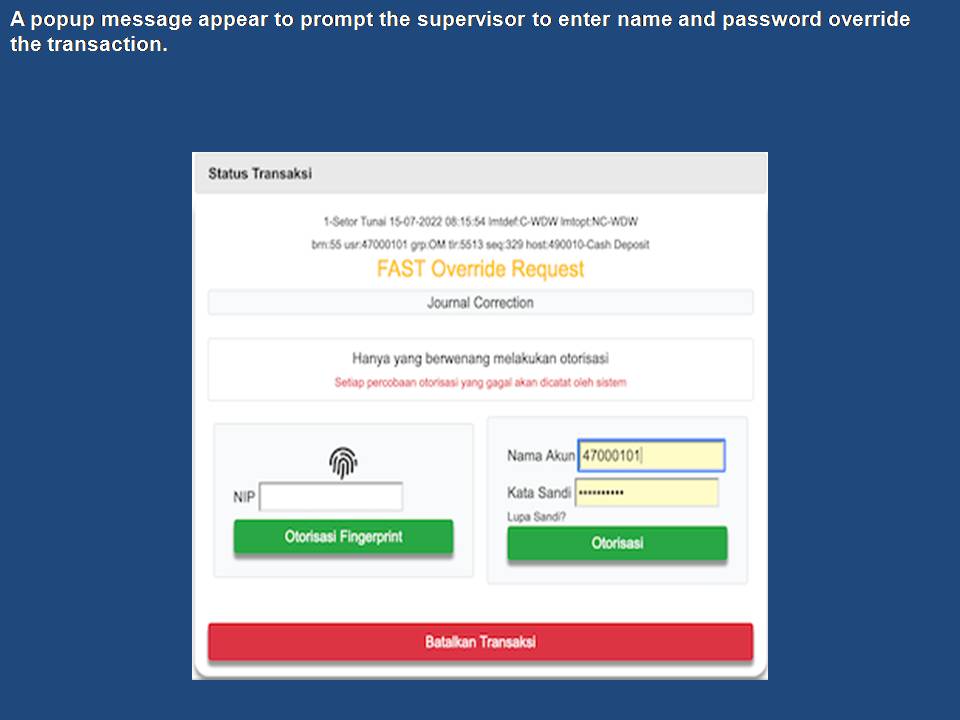
Cash limits for tellers are contained in tables that can be changed at the branch level by authorized personnel. The system continually tracks cash totals and provides an alert when an operator exceeds preset limits. A message for supervisor override appears in a window on the teller's screen whenever a predefined limit is exceeded or a variance occurs that requires supervisor override to proceed. The application can direct the teller to order cash from the vault. Cash bought and sold between tellers is tracked, with automatic adjustment of cash totals.
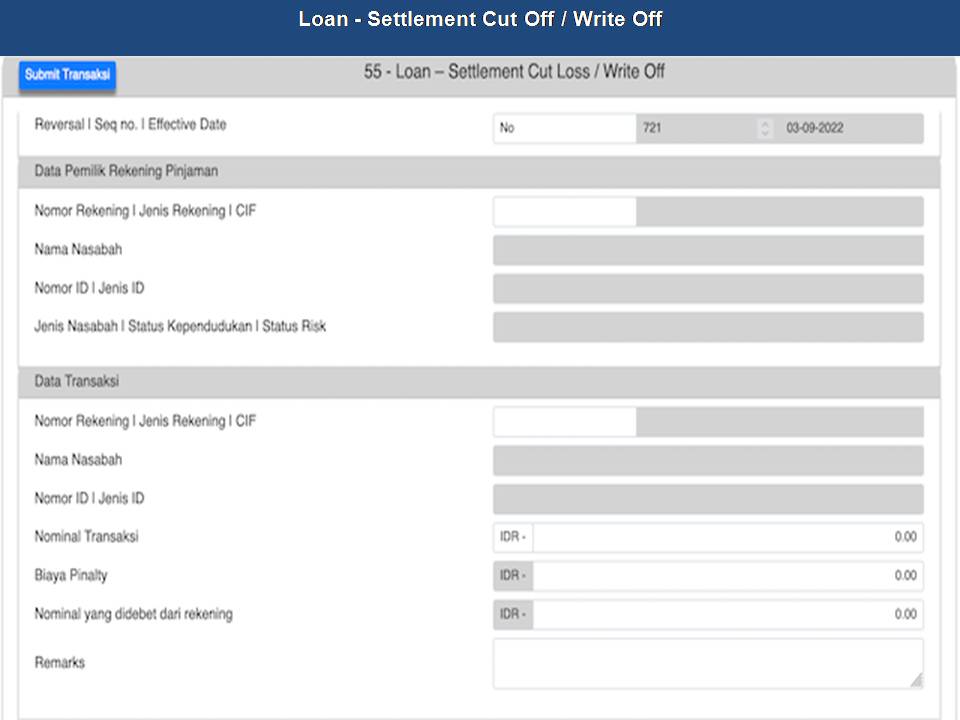
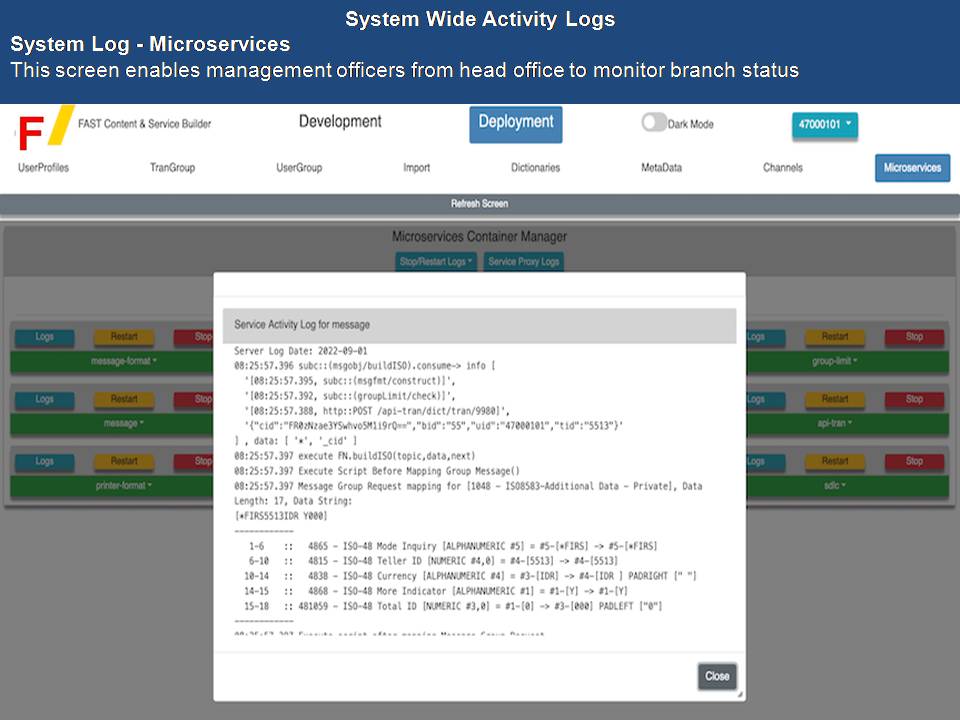
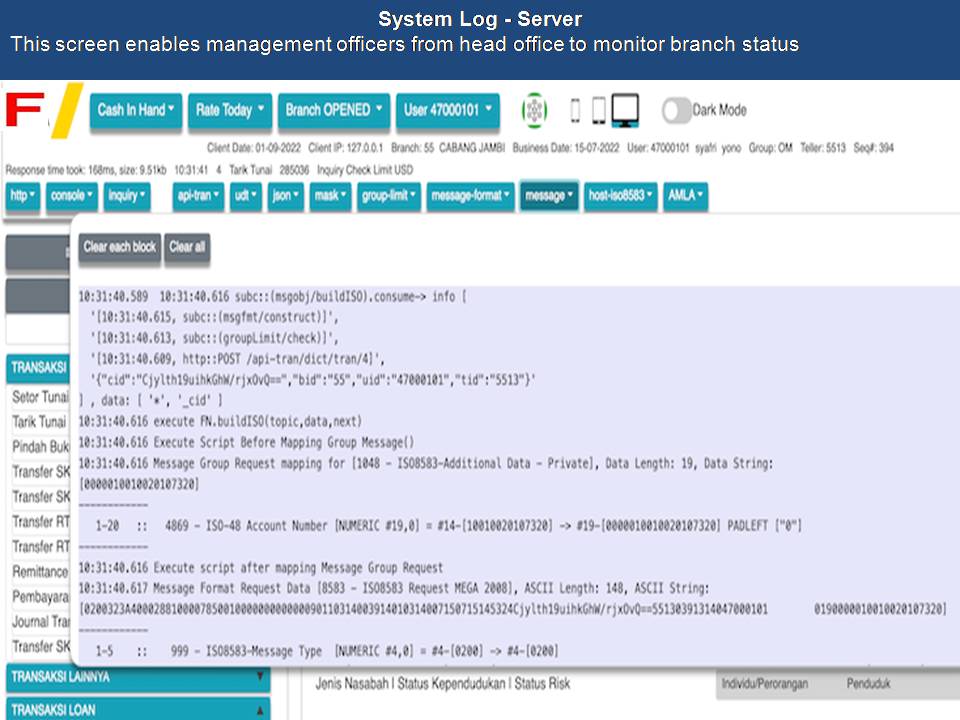
The system maintains accurate cash balances that are updated continuously during processing. Cash totals (cash in, cash out, and net balance) can be recalled without a journal scan. Cash positions for each teller are updated at all times during the day, alleviating the need to perform a scan to obtain the branch cash position. All branch totals are recorded in the electronic journal of the head server, regardless of whether the server is operating on- or off-line. Teller totals can be generated independent of host status. The basic teller system provides three types of totaling functions: cash totals, expanded totals, and batch totals. However, the user can have the flexibility to create additional totals categories as required or as defined in the Customer Functional Specification. Practically, there is no to the number of totals that can be defined and created.
Cash TotalsThe system accurately tracks the cash position of each teller in the branch, as well as the overall branch cash position. Authorized personnel can obtain the current cash position for a particular teller or for the entire branch. Cash totals include the status of cash in, cash out, and net cash balance. Cash bought and sold between tellers or between tellers and the vault is also reflected.
Teller balancing is using the Teller Proof function. This provides the teller with a blotter screen for balancing between cash from the cash drawer counted by the teller and the cash totals that have been maintained by the system. Operators can key in dollar amounts for each denomination or key in the number of each denomination of bill and coin. The system then calculates the cash reported by the teller and compares that with the net cash total maintained by the system. A report can be printed indicating the teller's ID, branch number, date, and time, as well as any over or short conditions based on the teller's cash count. The system also tracks the teller's reserve currency totals. The system computes the total cash drawer amounts and calculates the teller's cash overages and shortages by comparing the drawer total, including individual vault or reserve totals, to the cash totals maintained in the totaling system. This information can be displayed, printed, forwarded or collected as required.
Teller Proof Sheets are generated in balancing and settlement activities for teller cash drawer counts. This powerful tool reports cash-on-hand, as well as reserve cash, giving the teller an accurate cash totals position. The Teller Proof is used to locate out-of-balance situations. The system prints operator and branch proof sheets. It can list denomination counts, total in drawer, totals of what cash should be on hand, and other specified items.
| All Rights Reserved, Copyright © PT. InetUtama Systemindo 2025 |